Guide
AI image printing guide
Learn how to print AI-generated images without blurry output, missing bleed, color surprises, or rejected files.
Read guideUse these guides to make better file decisions before uploading artwork to a printer, marketplace, or shop proof.
Artwork preparation
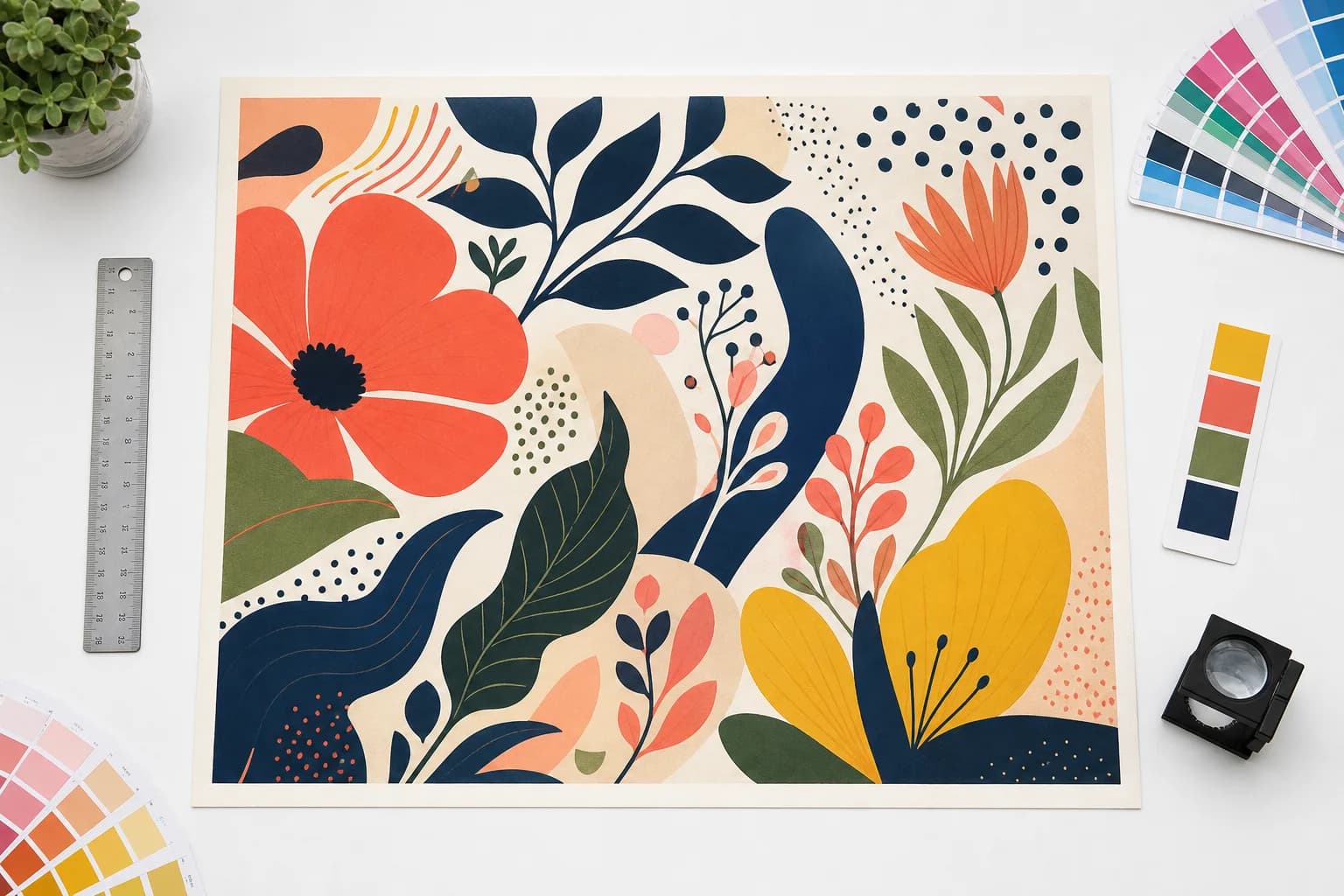
Make production decisions on believable source artwork.
The tool measures the uploaded artwork at final size, then keeps DPI, bleed, crop, color, and output decisions attached to that source.
Guide
Learn how to print AI-generated images without blurry output, missing bleed, color surprises, or rejected files.
Read guideGuide
Understand bleed, trim, and safe zone so artwork survives cutting, edge shifts, and printer file checks.
Read guideGuide
Learn why bright screen colors can shift in print and how to prepare RGB or CMYK files with fewer surprises.
Read guideGuide
Learn which images make good vectors, which should stay raster, and how to avoid bad SVG or cut-file results.
Read guideGuide
Check how large an AI image can print, what upscaling can and cannot restore, and when a smaller size or new source is safer.
Read guideGuide
Understand raster logo limits and choose trace, native SVG regeneration, or human redraw without paying for the wrong conversion.
Read guideGuide
Reframe portrait flyer artwork for a 33 x 79 banner stand without stretching text, hiding important content, or overstating resolution.
Read guide