Print prep, proofing, and artwork intake built around the file that will actually be produced.
AI Print Ready Files connects the steps that usually split apart: receiving artwork, checking it at the real print size, preparing the output, reviewing the proof, and keeping a usable approval record. Start with a single file or use the Print Shop workflow when the work comes from customers and has to move through a team.
Each upload belongs to a job, a requested artwork slot, and a visible next action.
Blocked Review Ready
One connected workflow
Use the feature that matches the next production decision.
A customer who only needs to know whether a poster can print should not have to learn a shop system. A production team should not have to rebuild the file history from attachments after the customer asks for a proof revision. Each feature is narrow enough for its task and connected enough to carry context forward.
Free artwork preflight
Start with the file, not a sales form. The scan checks the artwork at the intended output size and explains resolution, bleed, crop, transparency, color, and file-structure concerns in plain language.
Choose the product or final dimensions after upload, then review fit, fill, actual size, orientation, pages, and print guides in one prep workspace. The tool keeps the production target visible while the file is adjusted.
Target size, DPI, bleed, and output options
Visible crop and margin decisions instead of hidden scaling
Prepared output and report tied to the selected job
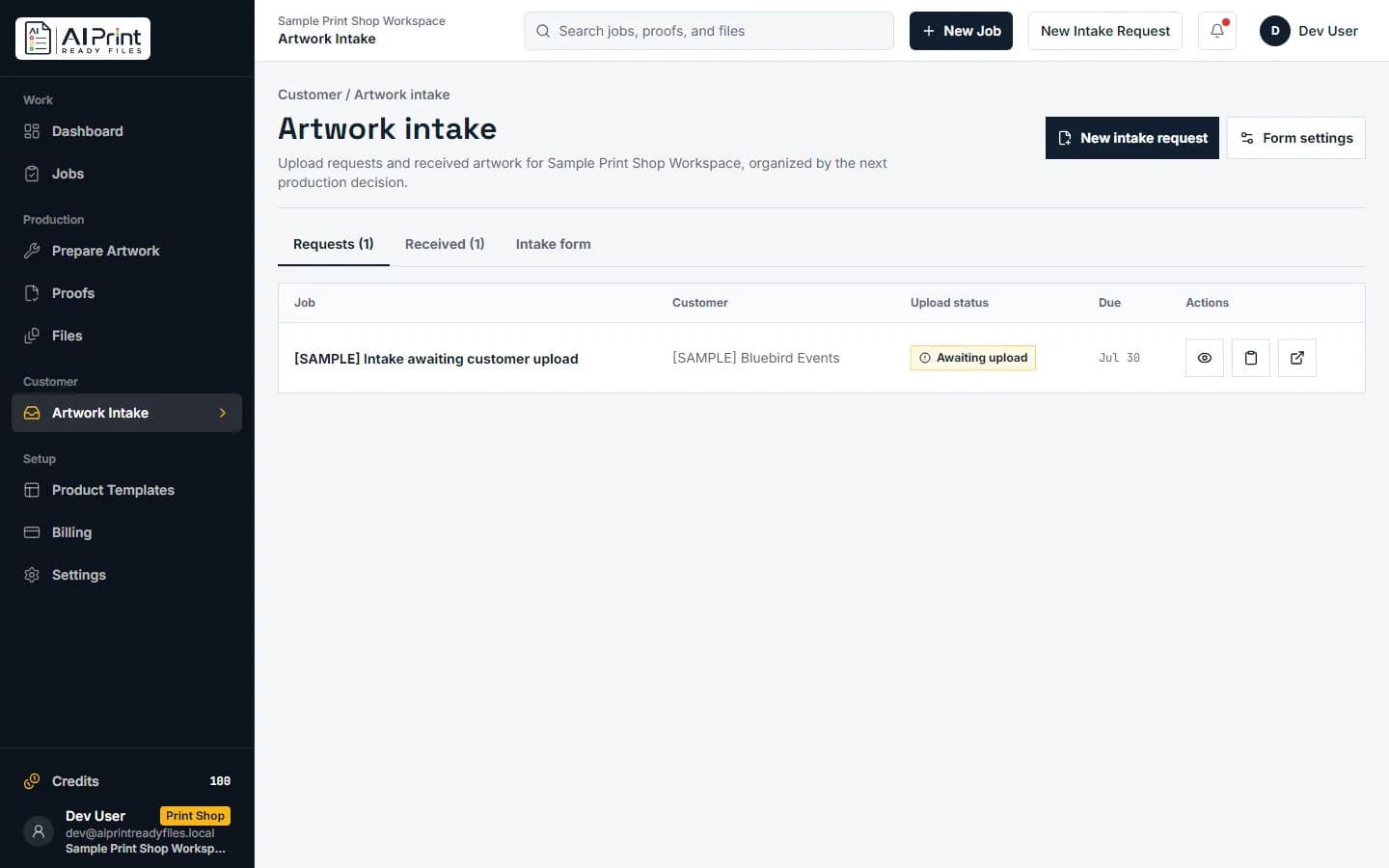
For teams, a customer upload should arrive under a real job with the requested product and file expectations. Intake keeps incoming artwork, scan findings, and the next production decision together instead of scattering attachments across email threads.
Job-scoped upload requests
Automatic print-risk checks when files arrive
A clearer handoff from customer upload to production review
A proof is more useful when it carries page, side, spread, size, version, and file context. Customers can review the current version, request changes, or approve it while the shop keeps the production trail behind the decision.
Built for print decisions, not generic file storage
Keep the production facts beside the artwork.
A file name alone does not explain whether the artwork is sized correctly, what changed during preparation, which proof is current, or who approved it. The platform keeps those questions connected to the job so the next operator is not left guessing after the original email thread is gone.
1Start with source dimensions and the intended finished size.
2Show the decision when crop, bleed, resolution, or color needs review.
3Move the prepared version into a clear proof and approval path.
4Keep final production judgment with the printer or production team.
For a single file
Upload the artwork, select the product or finished size, read the print-risk report, and only run the fixes that the file needs. The next action can be a prepared download, a smaller print size, a revised crop, or a conversation with the printer.
Use the shop workflow when the file belongs to a job, comes from a customer, needs a named proof version, or has to reach an operator with a record of what was checked and approved. It is designed to reduce back-and-forth without pretending to replace final shop controls.
No. Preflight assesses file risks against a print target. Proofing is the later review and approval step for a prepared job or production version. The platform connects both so a customer is not asked to approve an unexplained or unchecked file.
Does the platform replace a print shop's RIP, MIS, or final operator review?
No. It helps organize file intake, preflight, preparation, proof context, and approval history. Printer-specific production controls, material behavior, color contracts, imposition, and final operator judgment remain with the receiving workflow.
Where do manual logo repair and embroidery digitizing fit?
They are optional hands-on services for a logo that needs professional reconstruction or a stitch-ready file. They support the wider platform workflow but do not replace the core artwork-prep, intake, and proofing features.