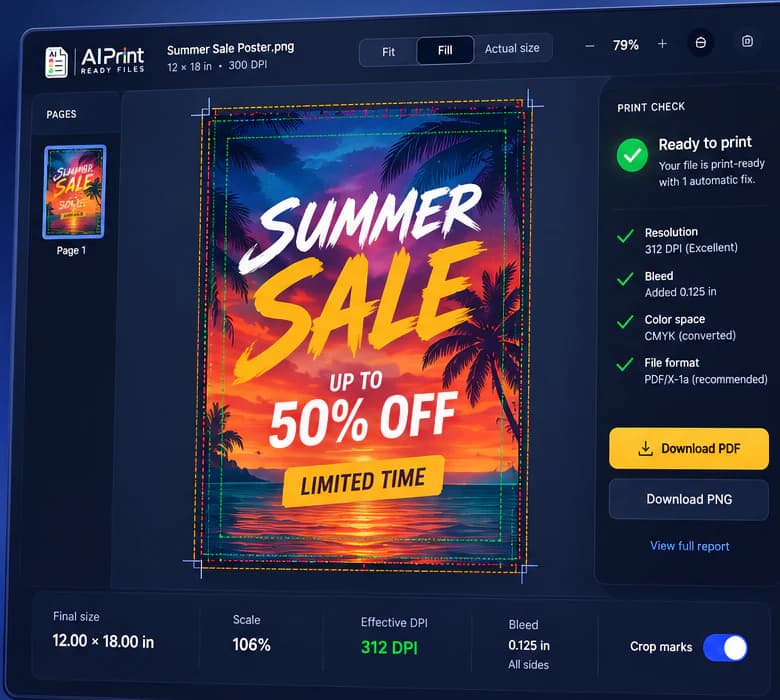
True size preview
See effective DPI at your actual print size.
AI-powered print prep
Upload artwork from ChatGPT, Midjourney, Canva, or anywhere else. Check resolution, sizing, bleed, crop, CMYK color and file integrity, then download a file your printer can actually use.
See effective DPI at your actual print size.
No more guesswork at the cutter.
Avoid unexpected print results.
PDF, PNG, TIFF and more.
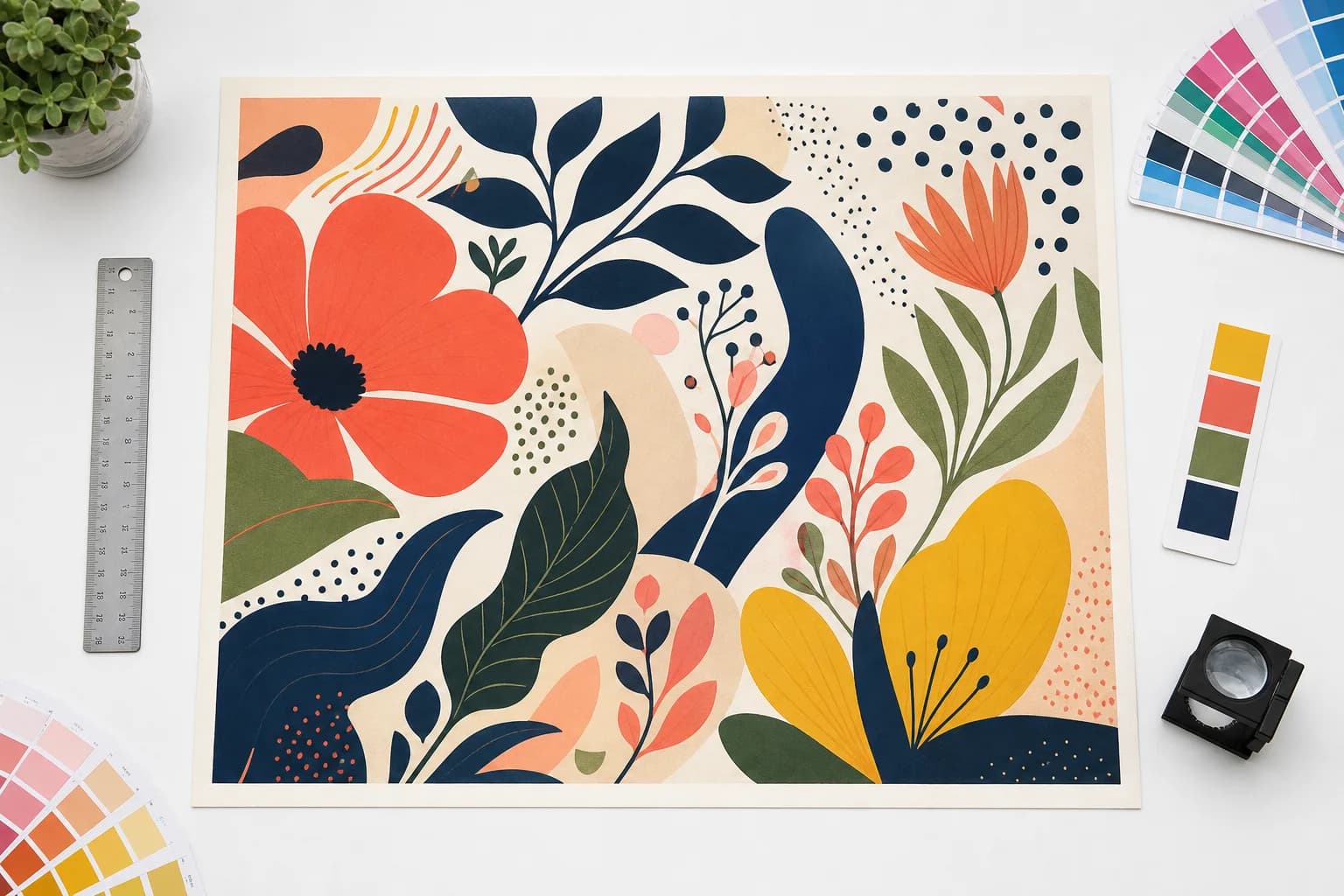
FOR DESIGNERS, BUSINESSES AND PRINT SHOPS
Free preflight scan
Upload the file first, then set the finished size and see actual print risks. The report stays specific about DPI, bleed, crop, transparency and CMYK color.
Resolution at your final physical size
Bleed, crop, CMYK color and transparency risks
Plain-English next steps before you export
Awaiting artwork — drop a file to scan resolution, bleed, color, fonts, and integrity.
A print-prep result you can act on
The preflight reads your artwork at its real output size, then makes the next step plain: fix it, review it, or download it.
A file cannot meet the selected size or output requirement.
DPI, crop, bleed or color needs a production decision.
The prepared file meets the selected print specification.
Print production software for the whole handoff
Prepare artwork
Place AI-generated artwork at its final physical size and see effective DPI, trim, bleed, safe area, crop marks and color risks in the same print-prep view.
Open Prepare Artwork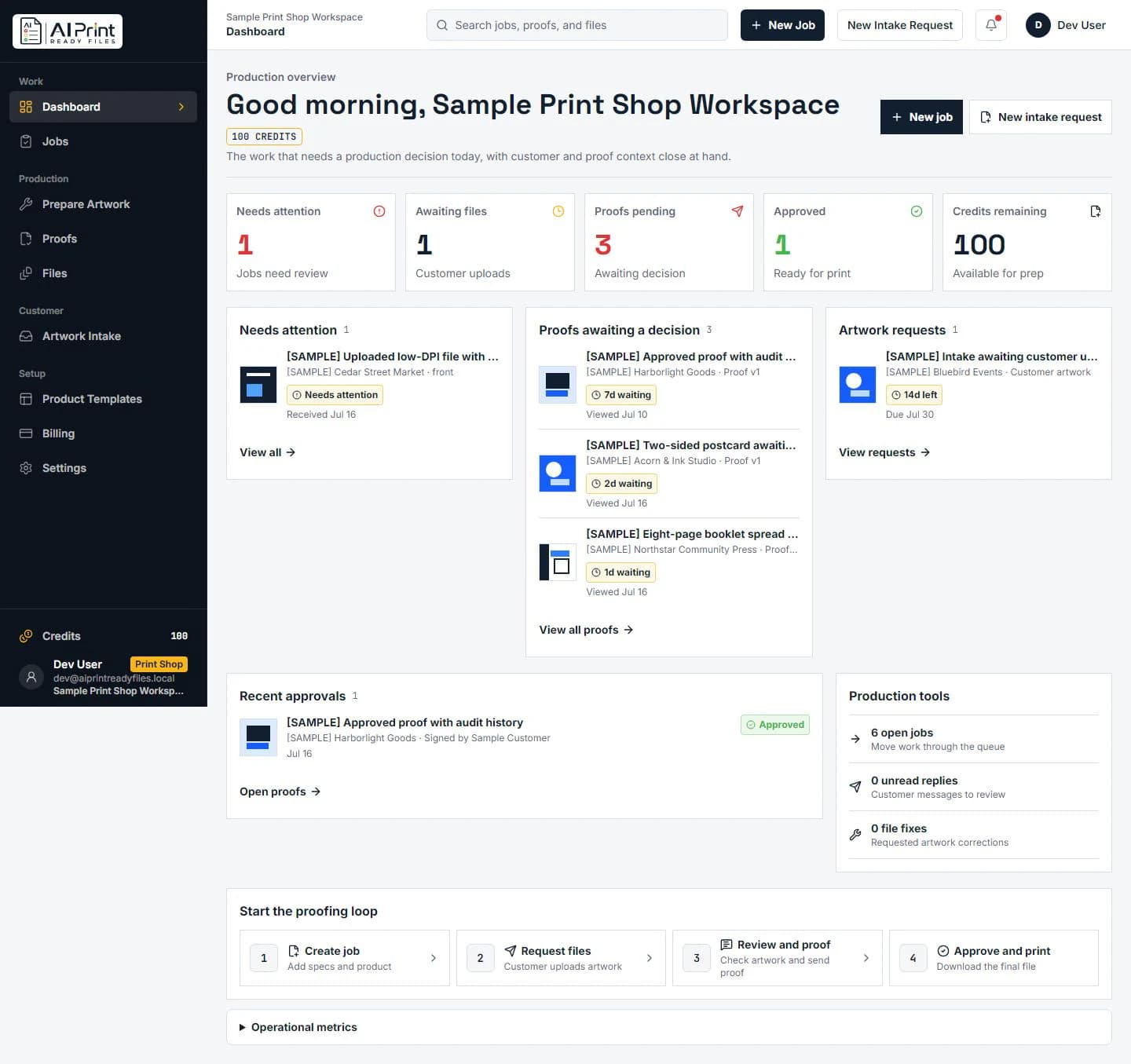
Run production
The shop dashboard separates files awaiting upload, proof decisions and print-ready approvals so operators can move work forward without losing customer context.
See the shop workspace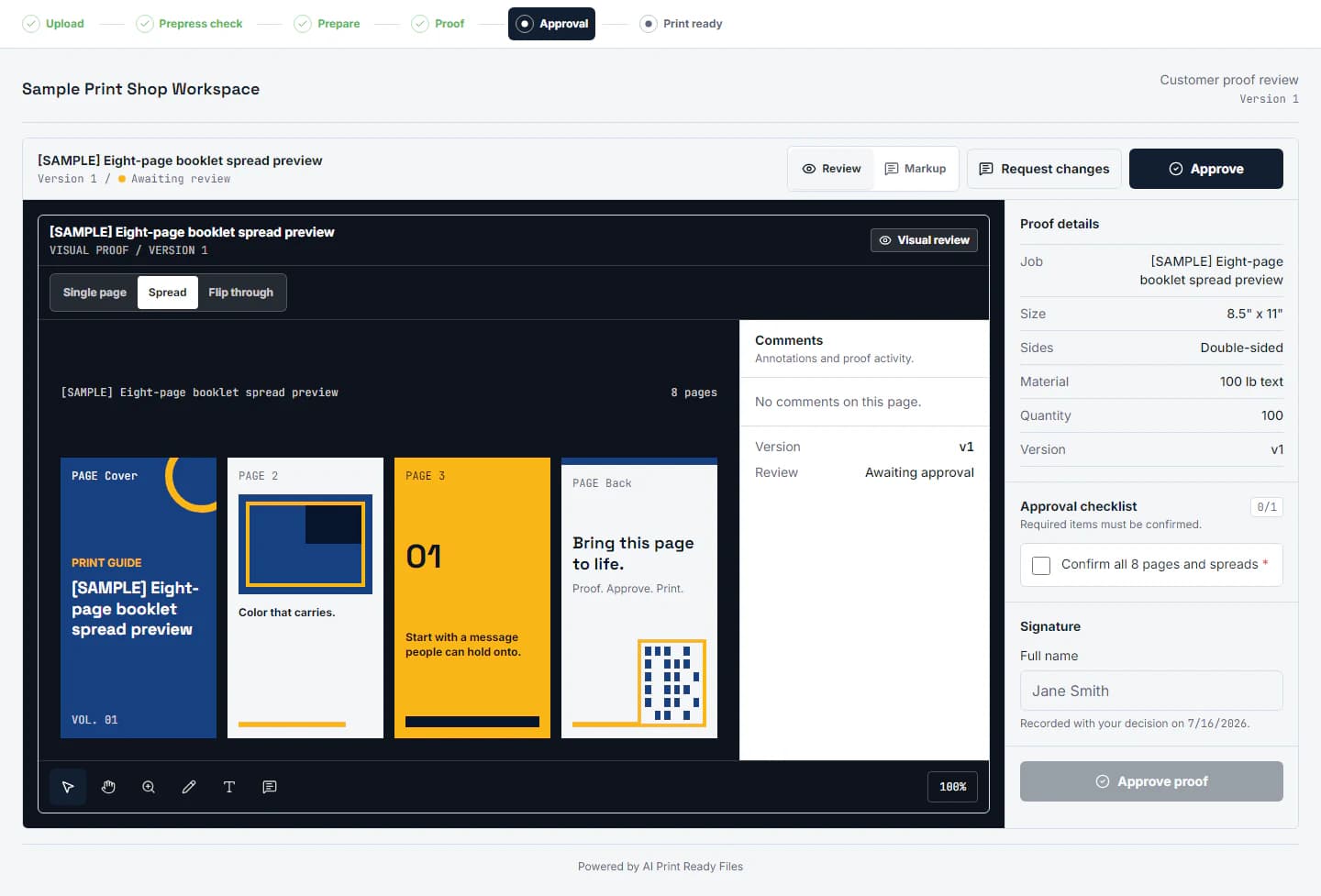
Proof with confidence
Share a real proof for single pages or booklet spreads, keep comments beside the artwork, and give customers one unambiguous approval or change-request path.
Explore proofing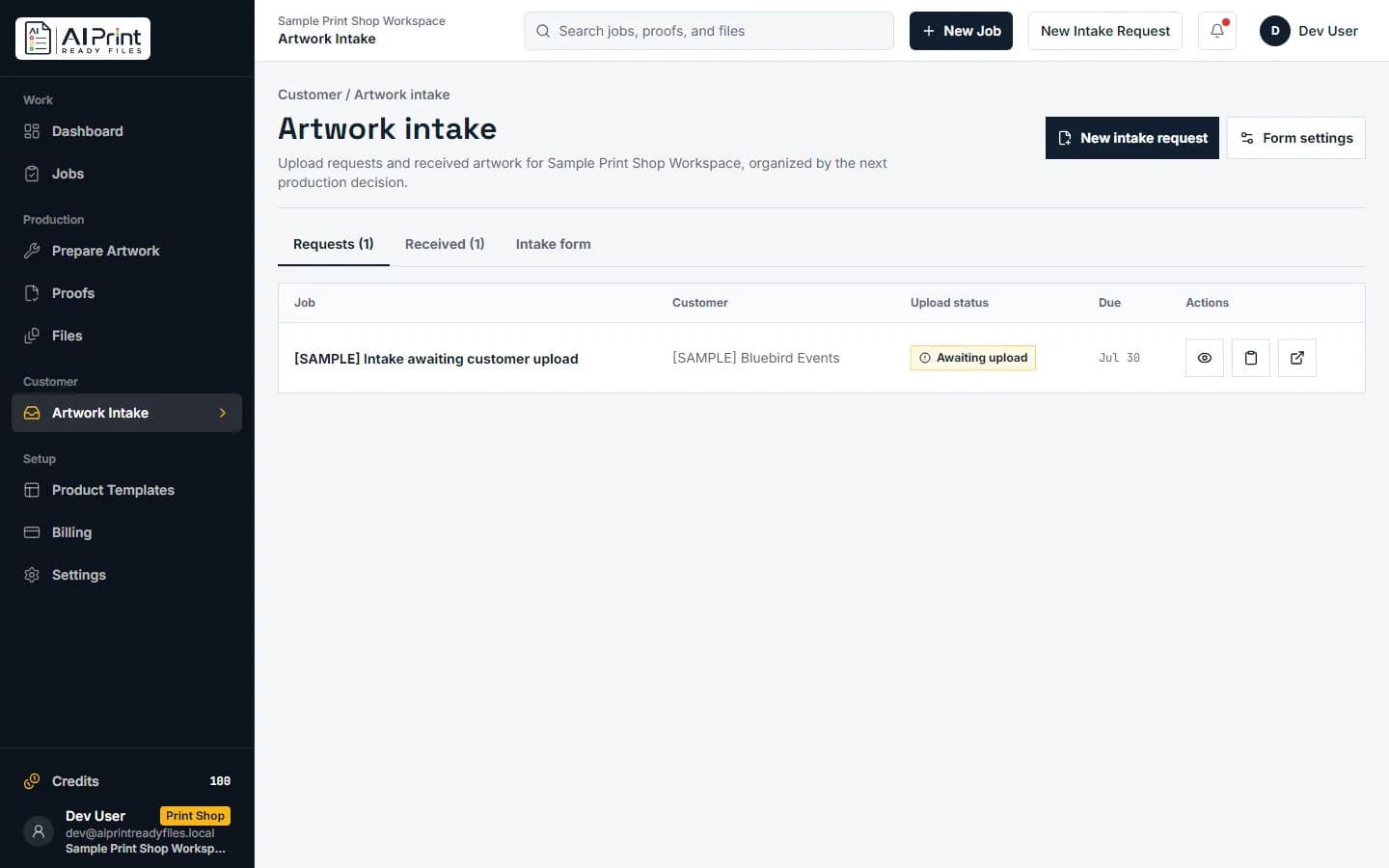
Collect files
Request artwork with the target size and bleed visible up front, then organize received files by the next production decision instead of a crowded inbox.
Explore artwork intakeFree AI image print-readiness scan
Upload first, choose the product or final size next, then get a report for DPI, bleed, crop, CMYK and export readiness. No generic score, no pressure to guess at printer terminology.
Start free scanA print-ready PDF and clear source facts tied to the final size.
Review low resolution, cropping and color before an automated export.
Carry trim, bleed, crop marks and CMYK requirements into production.
Who it’s for
Whether you are checking one campaign graphic or collecting artwork for a production queue, begin with the path that matches the work instead of forcing every visitor through the same interface.
Check customer-facing artwork before you send it to a printer.
Find the right workflowCollect files, preflight them, and retain proof approval context.
Find the right workflowPrepare campaign artwork for real products and vendor handoffs.
Find the right workflowJudge image detail and scale against the final large-format size.
Find the right workflowProduction field guides
Use practical guidance for preflight, effective DPI, customer intake, and printer handoff, then run the actual artwork through the free scan.
Print production questions, answered plainly
Yes. Start with the image, choose the final print size, review resolution and production risks, then prepare the output your printer needs.
The same pixels print differently on a postcard and a banner. AI Print Ready Files calculates effective DPI after the artwork is placed at its actual physical size.
Yes. The shop workspace supports proof review, pages and booklet spreads, comments, approvals and customer artwork intake alongside print preparation.