PNG to print-ready PDF
Turn a PNG into a press-ready PDF with final size, bleed, crop marks, and a plain-English file check.
Open converterStart with the file format you have, then check final size, DPI, bleed, crop marks, and export options before download.
Artwork preparation
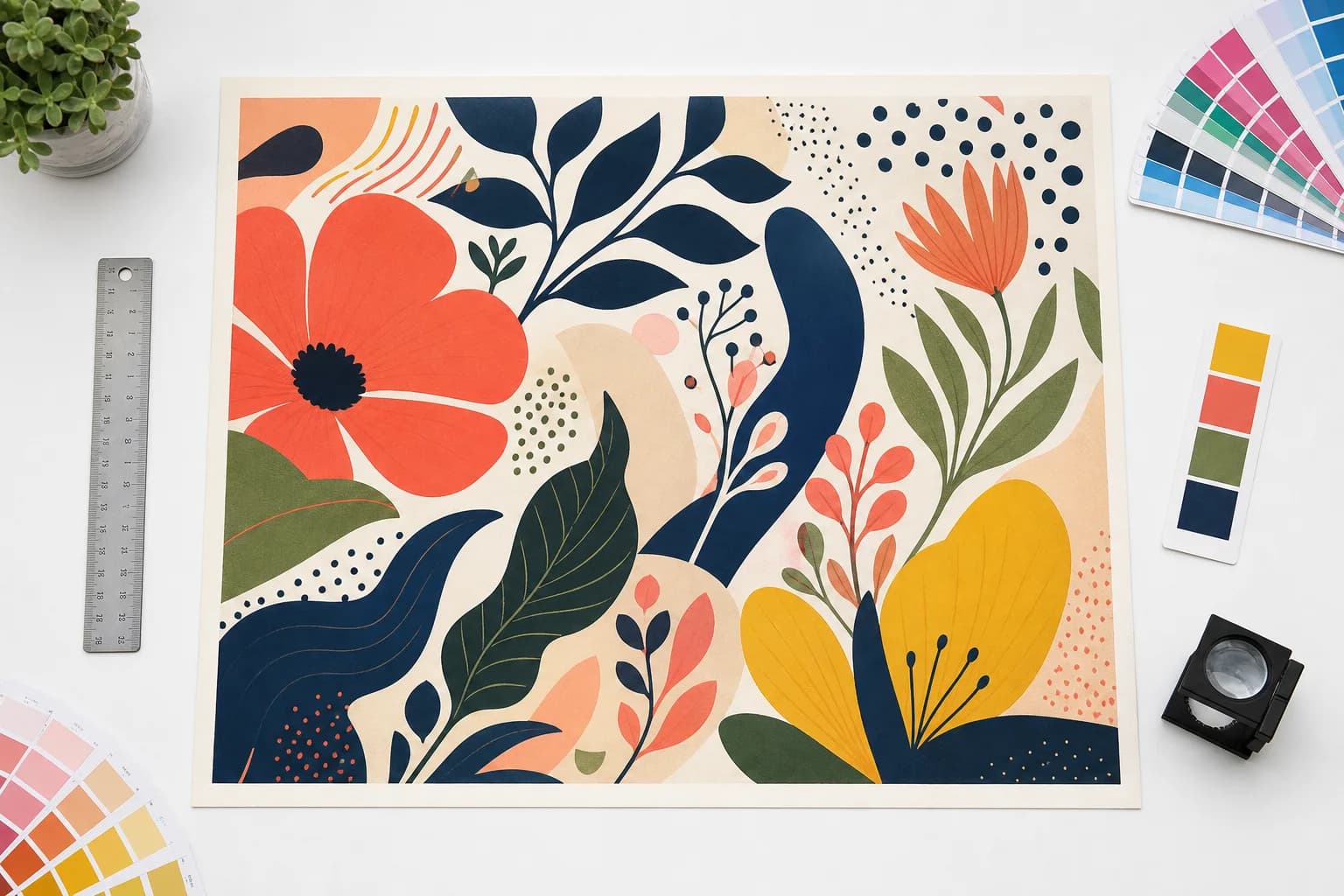
Make production decisions on believable source artwork.
The tool measures the uploaded artwork at final size, then keeps DPI, bleed, crop, color, and output decisions attached to that source.
Turn a PNG into a press-ready PDF with final size, bleed, crop marks, and a plain-English file check.
Open converterTurn a JPG into a press-ready PDF with final-size DPI, bleed, crop marks, and export notes for the printer.
Open converterPrepare a JPG for print with size checks, DPI guidance, bleed, and shop-friendly export options.
Open converterConvert WebP artwork into a print-ready file without guessing the final print size or resolution.
Open converterPrepare a WebP download for print by checking its real size, resolution, bleed needs, and PDF handoff format.
Open converterCheck transparent PNG sticker art for edge quality, cutline suitability, bleed, and print-ready export settings.
Open converterTurn a Canva PNG export into a print-ready file with DPI, bleed, safe-zone, and printer-handoff checks.
Open converterCheck whether a small or compressed image can still print cleanly, then choose upscale, smaller sizing, or a safer export.
Open converterCheck whether artwork is suitable for vector conversion before creating a scalable cut-friendly SVG.
Open converterMake AI-generated artwork usable for posters, flyers, stickers, signs, and canvas prints.
Open converterCheck if an image can print at 300 DPI at your exact dimensions, then prepare the export.
Open converter