Guide
Why your ChatGPT logo image is not a real vector
Understand raster logo limits and choose trace, native SVG regeneration, or human redraw without paying for the wrong conversion.
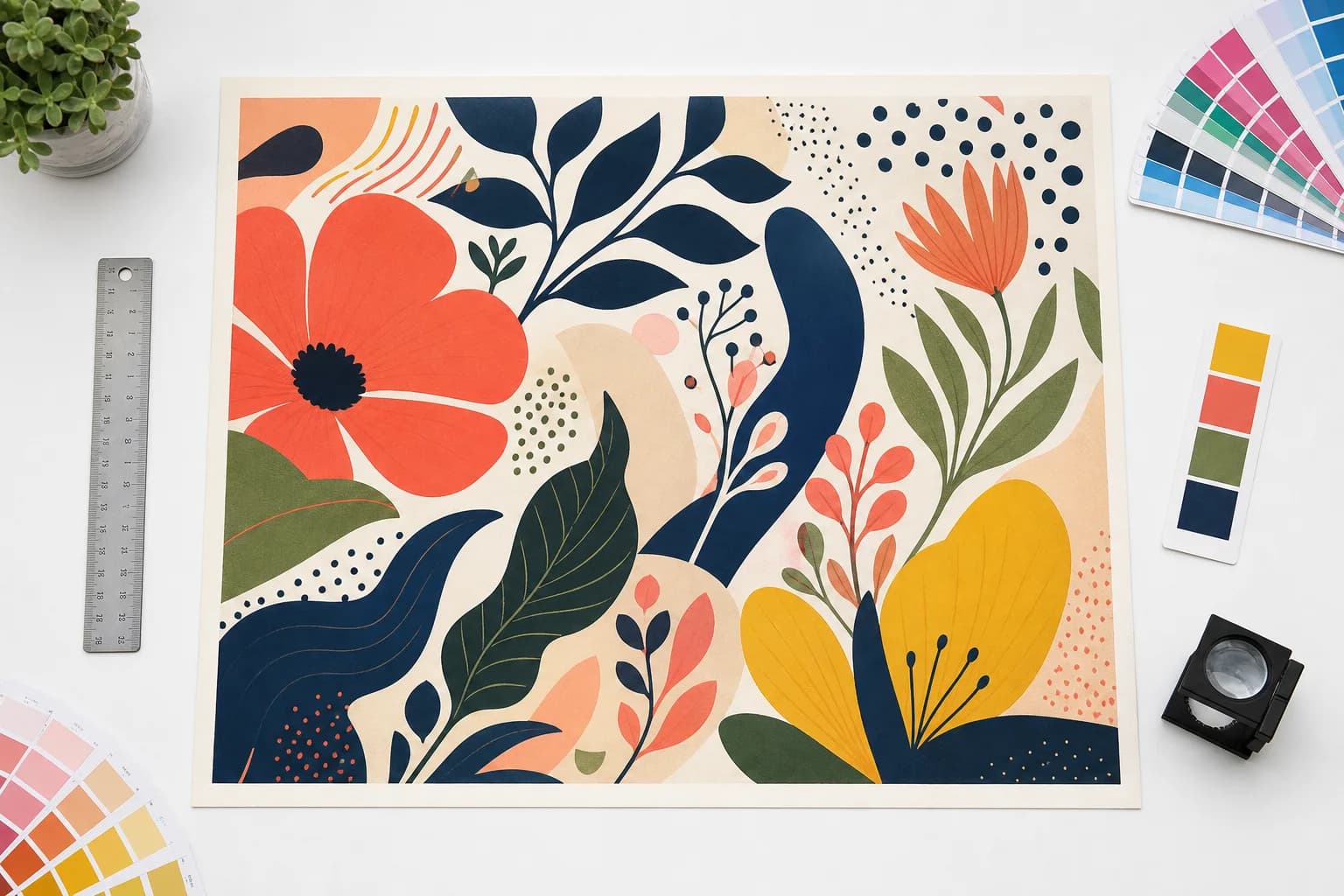
A logo shown as a PNG or JPEG is still a grid of pixels, even when it was generated from a prompt and looks clean on screen. Saving that raster inside a PDF or renaming the file does not turn its edges, lettering, or colors into editable vector geometry.
The right conversion depends on the mark. AI Print Ready Files checks suitability first and recommends trace, native SVG regeneration, or a human redraw. Hard cases are refused before credits are spent.
Start with the related workflow: Make an AI image print ready. Follow the production workflow from source image to verified handoff.
Why automatic tracing can disappoint
Tracing follows the edges it can see. Anti-aliasing, compression blocks, shadows, gradients, and generated texture can become hundreds of small shapes and uneven curves. The file may be technically SVG while remaining difficult to edit, cut, embroider, or reproduce at vehicle-wrap scale.
Fine generated lettering is especially risky. A trace can preserve misspelled or malformed letters exactly as pixels suggested them, but it cannot recover the intended typeface or correct construction.
Related production guidance: Run a free preflight check. Check the file before choosing fixes or export settings.
Rung one: trace simple flat artwork
Trace is appropriate for a genuinely simple mark with hard edges, a limited flat-color palette, no photographic gradient, and no fine text. The output is inexpensive and scalable, but curves remain approximations of the raster boundary.
Inspect counters inside letters, negative space, corners, thin strokes, color islands, and total node count before treating the result as a production master.
Related production guidance: AI image to print-ready file. Turn generated artwork into a shop-friendly export.
Rung two: regenerate clean SVG geometry
Native vector image-to-image generation creates new SVG geometry while using the raster as reference. It is often cleaner than tracing an AI-generated mark because the model interprets shapes instead of following every anti-aliased pixel.
That interpretation is the limitation: proportions, lettering, spacing, or small symbols can differ from the source. Use it for marks without established brand equity and compare the result carefully before approval.
Related production guidance: DPI explained. Understand the resolution number behind the report.
Rung three: human redraw
An established logo is a controlled asset. If customers already recognize it, automated interpretation can create a near match that is still wrong. Human redraw is the safer path for approved geometry, custom lettering, registered marks, embroidery, cut vinyl, or any application where fidelity matters more than speed.
The manual service can rebuild deliberate paths and deliver a reviewed master rather than charging for an automatic result the suitability check already expects to fail.
Related production guidance: Logo repair and vectorization. Rebuild logos that should not remain low-resolution raster artwork.
What to send into production
Keep the original source, the selected vector result, and a raster reference. Confirm color expectations, minimum type size, cut or embroidery requirements, and the output formats the vendor needs. Vector scalability does not remove the need for proof approval.
For gradients, photographs, and textured illustration, a high-resolution raster file may be more faithful than vector conversion. A hybrid file can combine vector logo and type layers with correctly sized raster imagery.
Related production guidance: Print shop proofing software. Connect the prepared file to comments, versions, and customer approval.
How to prepare the file
- 1Upload the highest-quality logo source available.
- 2Mark fine text and established-brand status honestly.
- 3Run the free vector suitability check.
- 4Use trace only for simple flat marks.
- 5Use SVG regeneration only when subtle interpretation is acceptable.
- 6Choose human redraw when exact brand geometry matters.
- 7Inspect and proof the selected output at its largest intended use.
Check the next production decision: Logo repair and vectorization. Rebuild logos that should not remain low-resolution raster artwork.
Questions
Is an SVG always a good vector?
No. SVG is a container. It can contain messy traced paths or even embedded raster imagery. Inspect the geometry and scalability.
Will vector regeneration match my logo exactly?
No guarantee. It creates clean geometry by interpretation, so subtle shapes, spacing, and lettering can change.
When should I pay for a redraw?
Use a human redraw for established brand marks, custom type, regulated identity assets, or production work where a near match is not acceptable.
Connect the file to approval: Print shop proofing software. Connect the prepared file to comments, versions, and customer approval.
Run a free scan