Print prep paths for common AI and design tools
Different generators and design apps fail in different ways. Pick the source and check the print risks before exporting.
Artwork preparation
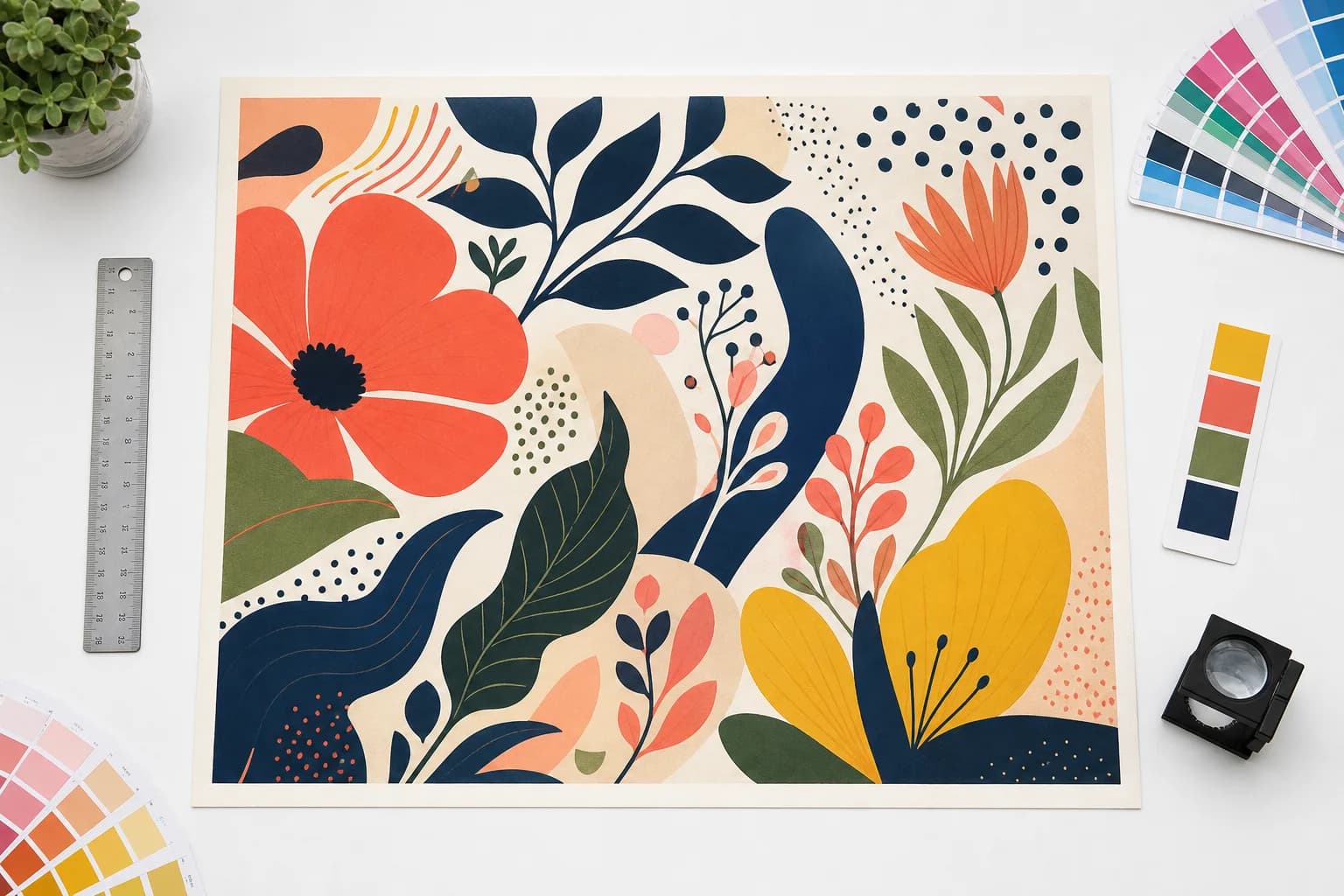
Make production decisions on believable source artwork.
The tool measures the uploaded artwork at final size, then keeps DPI, bleed, crop, color, and output decisions attached to that source.
Print Midjourney images
Prepare Midjourney artwork for print with DPI, bleed, crop marks, and export checks.
See workflowPrint ChatGPT images
Turn generated images into print-ready files for flyers, posters, stickers, and signs.
See workflowMake Canva files print-ready
Check Canva exports for bleed, resolution, transparency, and final print dimensions.
See workflowPrint Stable Diffusion images
Prepare Stable Diffusion artwork for real-world print sizes without blurry output.
See workflowPrint Ideogram images
Check AI typography artwork before sending it to a print shop or print-on-demand vendor.
See workflow