Artwork prep
Best print file format: PDF, PNG, TIFF, or vector?
Choose a print format by artwork type, editability, transparency, scale, and the receiving printer instead of trusting one extension.
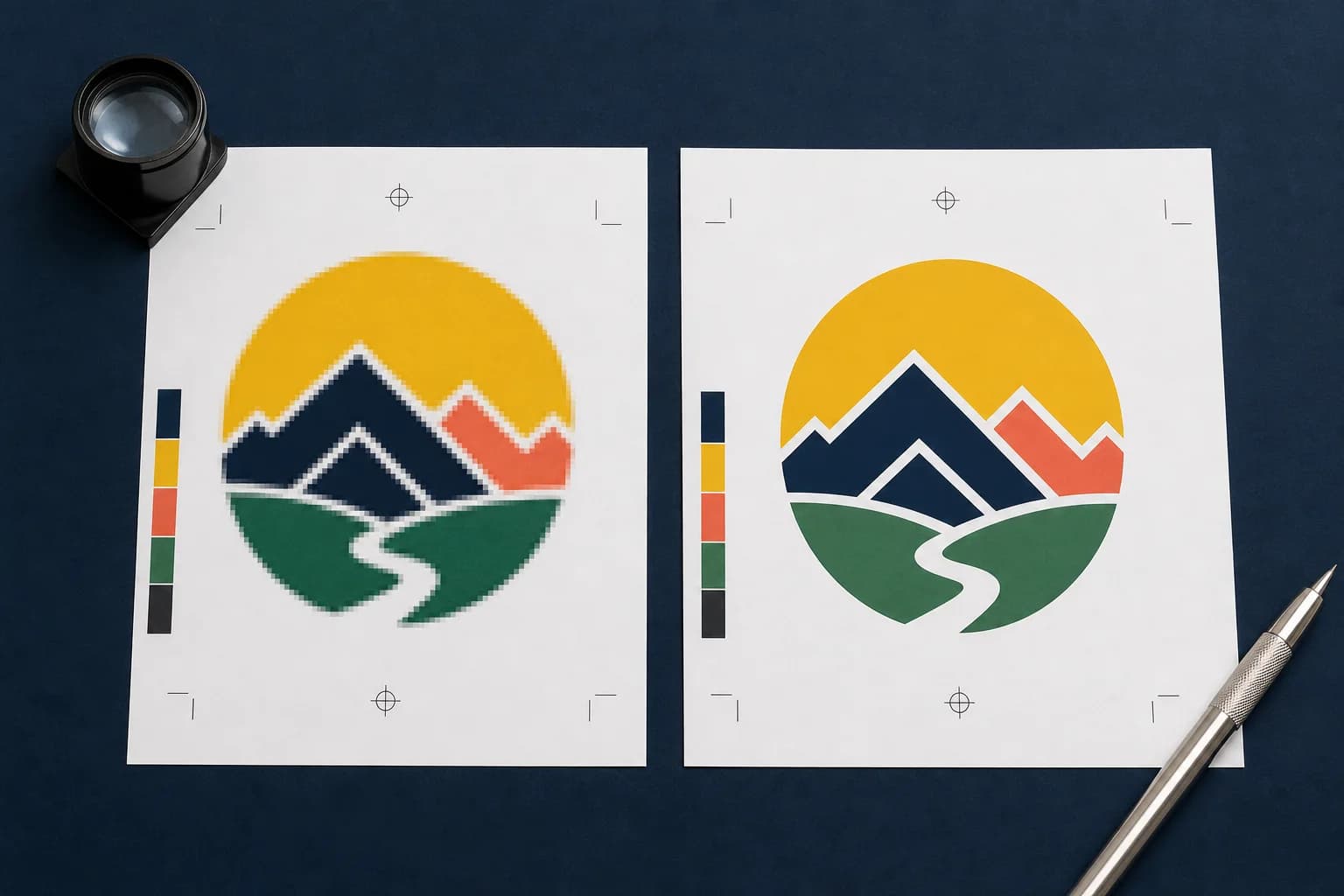
There is no single best format for every print job. PDF is often the strongest container for commercial layouts. PNG is useful for transparent raster art. TIFF supports high-quality raster workflows. SVG, AI, and EPS are useful when true vector geometry must scale or drive cutting. The receiving production system decides what it can safely use.
Choose the format after identifying what must survive the handoff: page dimensions, fonts, vectors, transparency, spot colors, profiles, layers, or machine paths. Then preflight the exported file rather than trusting the extension.
Use PDF for defined pages and mixed artwork
A press PDF can carry page boxes, fonts, vector objects, raster images, profiles, and output intent in one inspectable file. It is a strong choice for flyers, brochures, cards, booklets, and other layouts where the finished page is part of the production contract.
PDF settings matter. Downsampling, missing font embedding, incorrect page boxes, and the wrong PDF/X target can still produce a bad file. Use the printer's preset when available and verify the exported PDF independently.
Related production step: PNG to print-ready PDF. Prepare a transparent or raster source for page output.
Use raster formats when pixels are the product
PNG is useful for transparent artwork, especially product-decoration and print-on-demand systems that explicitly request it. TIFF is common in high-quality image workflows and can preserve more production information depending on settings. JPEG is compact and widely accepted but introduces lossy compression.
Raster files need enough pixels at final size. They do not become vector because they are saved inside a PDF, and changing a filename extension does not improve detail. Keep a lossless master when repeated edits are expected.
Related production step: JPG to print-ready PDF. Check compression, scale, and page settings.
Use vectors for geometry that must stay exact
Logos, type, line art, cut paths, and scalable spot-color graphics benefit from vector geometry. SVG can be useful for web-to-production exchange, while AI, EPS, or PDF may fit established shop workflows. Confirm support for effects, fonts, linked images, clipping masks, and spot colors.
Not every file with an SVG or EPS extension contains useful vectors, and automatic tracing can create thousands of rough nodes. Inspect paths, simplify shapes, outline or package fonts as required, and keep raster photographs as appropriate images rather than forcing them into traced noise.
Related production step: Check image-to-vector suitability. Determine whether tracing is appropriate.
Build a handoff the next person can verify
A production-ready handoff should contain one clearly named current file, the finished dimensions, the expected bleed, and a short record of what was checked. If a warning remains, describe the decision instead of hiding it. For example: the customer accepted 170 effective PPI because the banner will be viewed from across a room. That note is more useful than a folder containing five unexplained exports.
Keep the editable source separate from the approved output. The source is where future changes belong; the approved PDF, PNG, TIFF, SVG, or machine file is the artifact that moves into production. When a revision arrives, create a new version and preserve the approval trail. This small discipline prevents an old attachment, an unapproved crop, or a mystery color conversion from becoming the file that gets printed. It also gives estimating, customer service, prepress, and production the same answer when a job returns.
Related production step: Professional logo repair service. Request production-focused manual reconstruction.
Production checklist
Put this into practice
- 1Ask the printer which formats the exact product accepts.
- 2Identify whether the job is a page layout, raster image, or vector-production file.
- 3Preserve the source features the next system needs.
- 4Export with the printer's profile, page, bleed, and transparency rules.
- 5Open and preflight the exported delivery file.
Frequently asked questions
Does a print-ready check replace the printer's proof?
No. Preflight reduces technical risk, while the printer's proof remains the final approval for stock, ink, finishing, placement, and production-specific tolerances.
Should I keep the original artwork?
Yes. Keep the untouched source and create a separate prepared output so a crop, color conversion, or bleed extension can be revised without damaging the original.
Check the actual artwork
Turn the article into a production decision.
Run a free scan, choose the finished size, and review DPI, bleed, crop, color, transparency, and file integrity before the job reaches a printer.
Run a free scan