Shop workflow
Collect customer artwork without email chaos
Replace scattered attachments with an artwork request that captures job specifications, current files, warnings, and ownership.
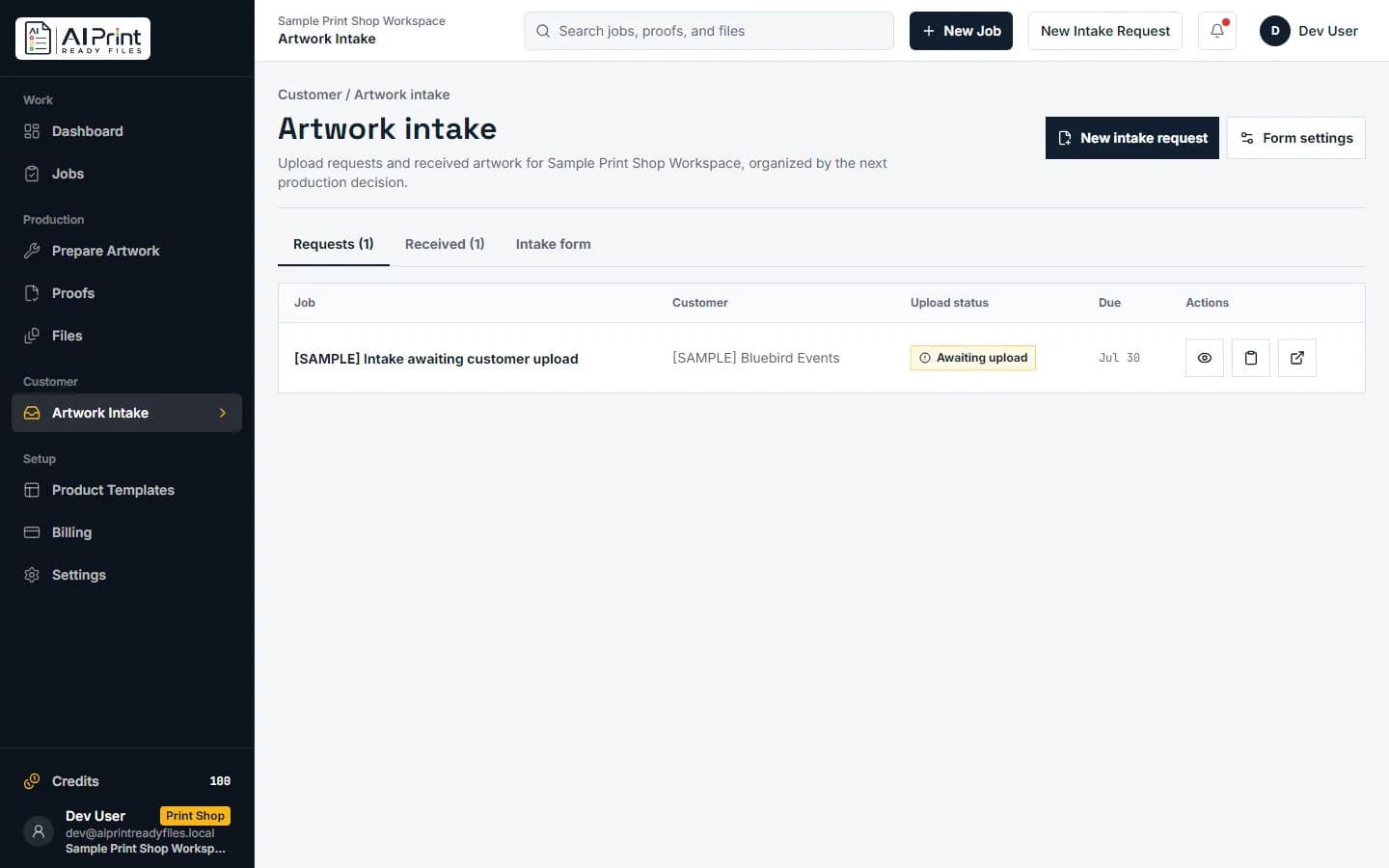
Email is useful for conversation and weak as a production database. Artwork arrives under vague filenames, later messages contain different revisions, specifications live in another thread, and no one can quickly tell which file is current.
A structured intake link gives the customer one simple upload path while preserving the facts the shop needs: job, product, size, sides, bleed expectation, due date, contact, and the status of every requested artwork slot.
Ask for the production facts with the file
An upload request should identify the job and explain what artwork belongs in each slot. “Front,” “Back,” “Logo,” and “Mailing panel” are actionable; “send files here” creates another sorting task. Show accepted formats and practical size limits before upload.
Capture the target product and dimensions early so preflight can evaluate the file in context. A 2000-pixel image is neither good nor bad until the shop knows whether it will be a small label or a window graphic.
Related production step: Artwork intake and proofing. Connect received files to review and approval.
Make current revision and ownership obvious
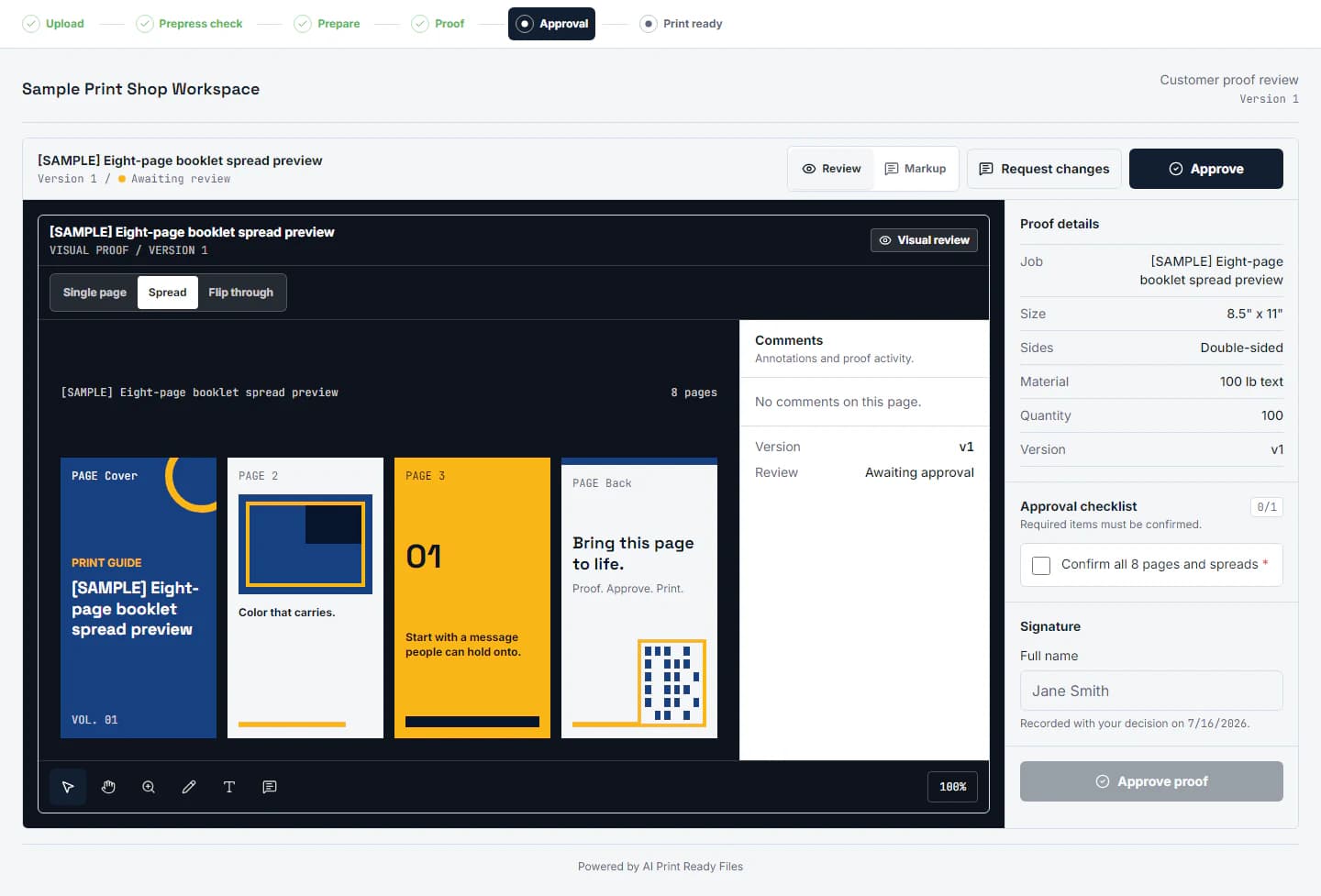
Every received file should have a visible timestamp, uploader, artwork slot, and revision relationship. Replacing a file should not erase the prior record. Operators need to know which source was accepted and which prepared file came from it.
Route the next action to an owner: waiting for customer, needs preflight, needs design review, ready for proof, or approved for production. A status without ownership still leaves work stranded.
Related production step: See the Print Shop plan. Organize jobs, intake, proofs, and production status.
Keep upload security part of the workflow
Public intake links should expire, restrict file size and type, inspect actual content rather than extensions alone, and scan uploads before staff download them. Store files under job-scoped authorization rather than exposing a general bucket.
Give the customer a clear receipt and show what remains missing. Staff should see failures and warnings without asking the customer to repeat a successful upload. This makes the intake feel simple while the production system remains strict.
Related production step: PDF preflight checklist. Define what happens after an artwork upload.
Build a handoff the next person can verify
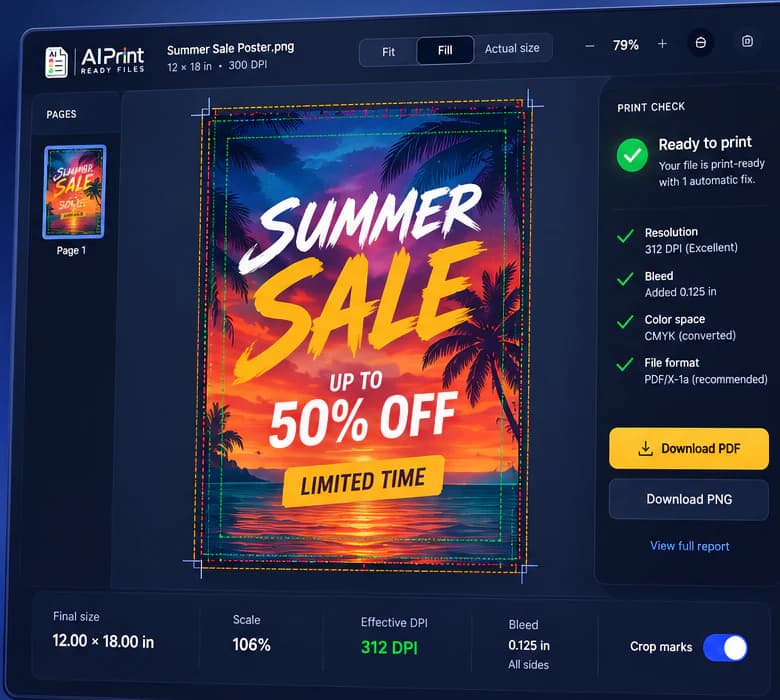
A production-ready handoff should contain one clearly named current file, the finished dimensions, the expected bleed, and a short record of what was checked. If a warning remains, describe the decision instead of hiding it. For example: the customer accepted 170 effective PPI because the banner will be viewed from across a room. That note is more useful than a folder containing five unexplained exports.
Keep the editable source separate from the approved output. The source is where future changes belong; the approved PDF, PNG, TIFF, SVG, or machine file is the artifact that moves into production. When a revision arrives, create a new version and preserve the approval trail. This small discipline prevents an old attachment, an unapproved crop, or a mystery color conversion from becoming the file that gets printed. It also gives estimating, customer service, prepress, and production the same answer when a job returns.
Related production step: Talk about a shop workflow. Ask questions about production intake needs.
Production checklist
Put this into practice
- 1Create a job-specific request with named artwork slots.
- 2Include product, final dimensions, sides, and due-date context.
- 3Scan and record each upload under the correct job and revision.
- 4Assign the next production action to a visible owner.
- 5Close or expire the request when all required files are accepted.
Frequently asked questions
Does a print-ready check replace the printer's proof?
No. Preflight reduces technical risk, while the printer's proof remains the final approval for stock, ink, finishing, placement, and production-specific tolerances.
Should I keep the original artwork?
Yes. Keep the untouched source and create a separate prepared output so a crop, color conversion, or bleed extension can be revised without damaging the original.
Check the actual artwork
Turn the article into a production decision.
Run a free scan, choose the finished size, and review DPI, bleed, crop, color, transparency, and file integrity before the job reaches a printer.
Run a free scan