Vendor comparison facts checked July 28, 2026
Evaluate PrintGo for your print workflow
A practical checklist for evaluating PrintGo and AI Print Ready Files against the needs of a real print-preparation job.
Competitor details in this guide were recorded from official provider marketing pages on July 28, 2026. They are not hands-on product tests and can change, so confirm the provider's current documentation before making a purchase.
PrintGo's official marketing reviewed on that date advertises an AI vectorizer (SVG + PNG) and background removal. Vectorization is therefore not a useful point of difference by itself; compare diagnostic depth and the production handoff instead.
Start with the related workflow: Print proof approval checklist. Review content, crop, color expectations, and revision history.
Compare diagnostic depth, not just preparation features
Run the same representative artwork at its real final size. AI Print Ready Files reports effective DPI at that physical size, coverage-weighted color risk, transparency, ink coverage, and file integrity in language the customer can act on.
The PrintGo material reviewed on July 28, 2026 did not advertise that diagnostic set. An unadvertised capability is not proof that it is absent, so test both reports with the receiving printer's requirements.
Related production guidance: Print-shop proofing. See the shop workflow behind intake, proofs, and approvals.
Test the preparation controls
Check how each product handles final dimensions, crop position, fit or fill behavior, bleed, crop marks, and export format. Use artwork with important content near the edge so weak defaults become visible.
Both products market vector-related preparation. Inspect the actual output at production size; the useful distinction is whether the workflow explains when conversion is unsuitable before applying it automatically.
Related production guidance: Pricing. Compare the consumer and Print Shop plans.
Measure the handoff and current price
Send the exported file and its report through your normal print-shop intake. Count the questions the CSR or production operator still has to ask.
For repeat customer work, also evaluate file history, proofing, approval records, retention, and the time required to find the approved version. The PrintGo pricing page reviewed on July 28, 2026 listed a 7-day trial and $20, $45, and $95 tiers; confirm current prices and limits directly before choosing a plan.
Related production guidance: Free preflight check. Try the first step before buying credits.
How to prepare the file
- 1Choose one logo, one detailed raster image, and one file with edge-content risk.
- 2Run the same final dimensions and production requirements through each workflow.
- 3Inspect the prepared files at final size and compare the reports.
- 4Confirm current pricing, retention, and feature limits on each provider's official site.
Check the next production decision: Manual logo repair. Add human reconstruction when automatic file prep is not enough.
Comparison details
Current as of July 28, 2026. PrintGo entries summarize official vendor marketing pages reviewed on that date, not hands-on testing.
| Feature | AI Print Ready Files | Competitor |
|---|---|---|
| Diagnostic preflight | Reports effective DPI at final physical size, coverage-weighted color risk, transparency, ink coverage, and file integrity. | No equivalent diagnostic set was advertised in the reviewed vendor material; verify actual behavior with a representative file. |
| Vector-related preparation | Uses a suitability check before vector output. | Advertises an AI vectorizer with SVG + PNG output and background removal. |
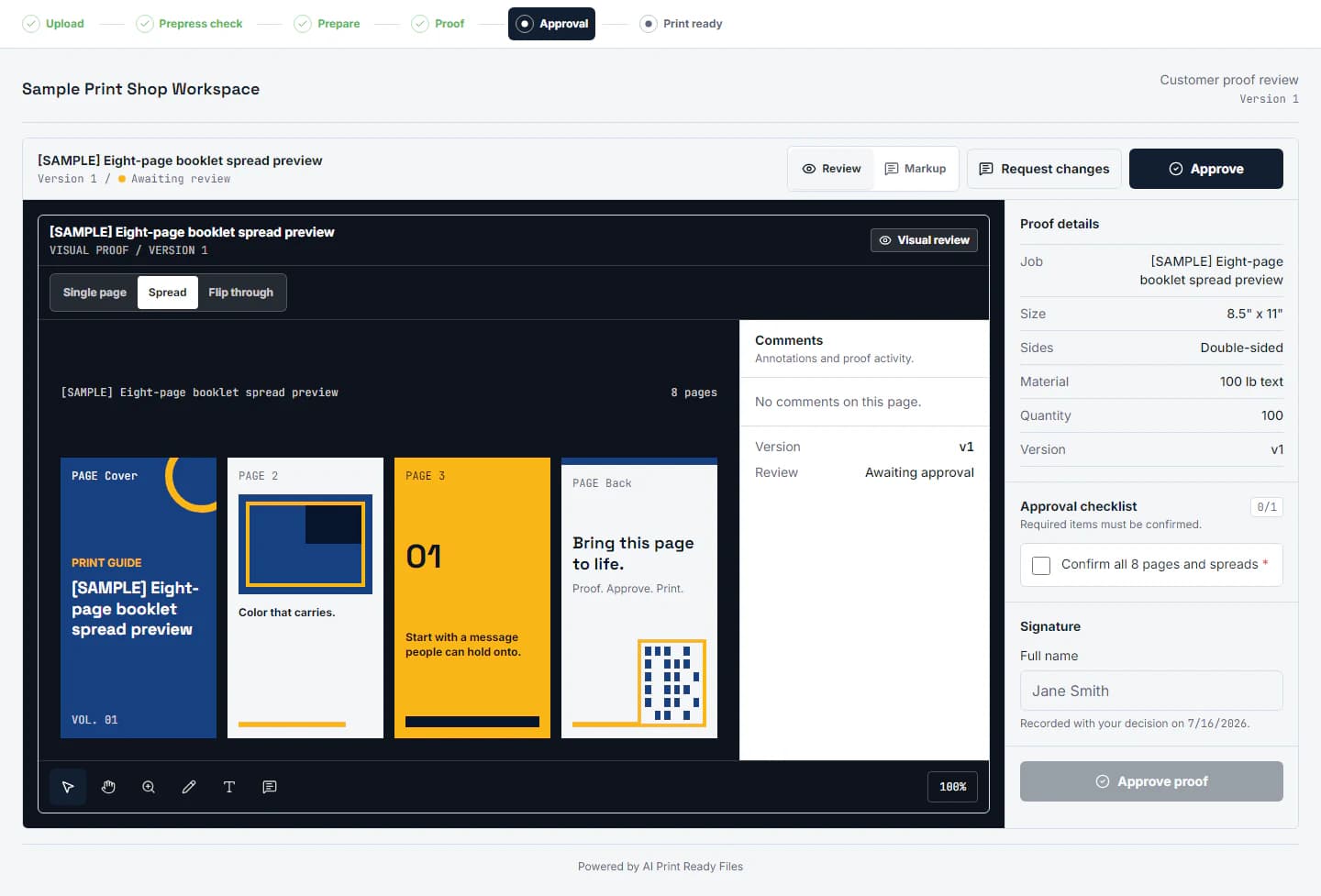
| Proofing and approval records | Customer intake, proofs, approval records, and file history are part of the shop workflow. | No proofing or approval-trail feature was advertised in the reviewed vendor material. |
Questions
Why is this page excluded from search?
Competitor products change. The page stays out of search until its feature and pricing claims are checked against current primary sources.
What matters most in a print-prep comparison?
Use the quality of the prepared file, clarity of the report, control over final size and edges, and the amount of production follow-up still required.
Does a successful export guarantee printer acceptance?
No. The receiving printer's specifications and proof process still control the job.
Connect the file to approval: Structured artwork intake. Connect proofing to the correct customer file and revision.
Run a free scan