Printer specs
Retractable banner stand 33 × 81 in artwork requirements
Prepare retractable banner stand 33 × 81 in artwork with 100 DPI guidance, final-size pixels, bleed, safe-area, and printer-handoff checks.
This general production reference uses a finished size of 33 x 81 inches and a practical 100 DPI default for viewing from about 6 feet. It is not a vendor template: the receiving printer controls material, bleed, hardware zones, color workflow, and accepted file format.
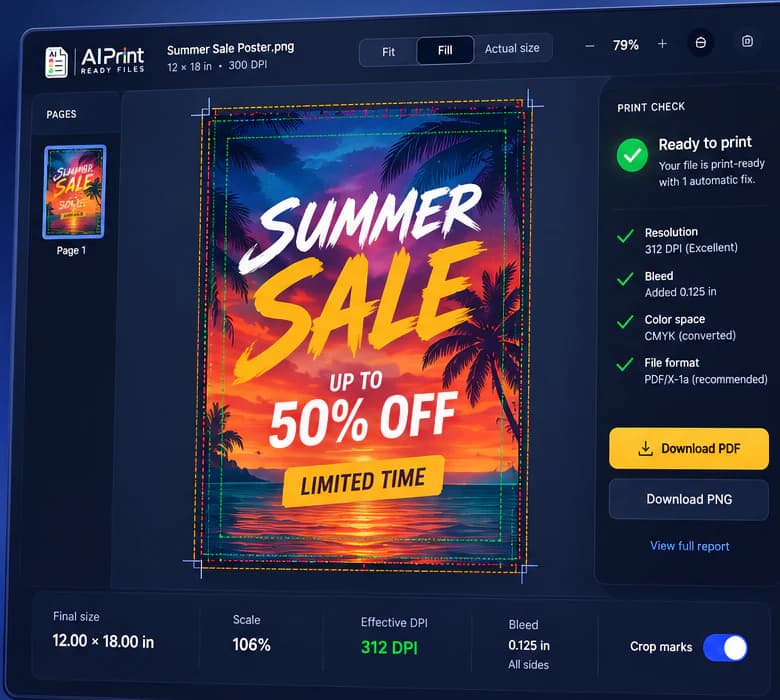
At the catalog target, raster artwork needs about 3300 x 8100 pixels. Run the source through the free scan to see its native DPI and whether the selected output is ready, fixable, best possible, or not advised.
Keep the printer's current template with the job so every reviewer is checking the same dimensions and production constraints.
Start with the related workflow: PDF preflight checklist. Verify page boxes, fonts, images, color, and output before upload.
Resolution for Retractable banner stand 33 × 81 in
The 100 DPI value is based on this product's expected viewing distance, not a claim that every printer uses the same rule. Close-viewed small-format work needs more detail than a sign or display read from across a room.
The scan reports both native resolution and any interpolated output. A printer's RIP can resample pixels, but it cannot restore small lettering, texture, or brand geometry absent from the source.
Related production guidance: Check a file first. Compare your artwork against practical print risks.
Bleed, safe area, and finishing
Use the printer's current template for bleed and safe-area measurements. Background artwork can extend into bleed; names, logos, QR codes, faces, and calls to action should stay inside the safe area and away from grommets, folds, stands, seams, stakes, or other finishing hardware.
If the source does not match the target aspect, choose a deliberate crop, border, editable redesign, or safety-approved reframe. Do not stretch the artwork to force a match.
Related production guidance: Bleed, trim, and safe zone. Translate spec requirements into file decisions.
File and color handoff
Supply the PDF, TIFF, PNG, JPEG, or vector format the receiving printer requests. A Press PDF can be a useful handoff when accepted, but some providers apply their own color conversion, marks, and templates.
Screen RGB and printed ink do not match perfectly. Keep the source, document the export profile, inspect the proof, and let the printer's material and production proof remain the final authority.
Related production guidance: Image to 300 DPI. Check whether the file has enough pixels at size.
Quality checks before ordering
Inspect all type, logos, QR codes, transparent edges, gradients, and generated details at the intended scale. Review the center crop and important edge regions, not only a fit-to-screen preview.
Run a final preflight on the exported delivery file because resizing, flattening, color conversion, and PDF creation can introduce new issues after the source scan.
Related production guidance: Logo vectorization service. Prepare scalable logo files for print, signs, and production vendors.
How to prepare the file
- 1Download the current printer template.
- 2Set the finished size to 33 x 81 inches.
- 3Use 100 DPI as the catalog default or enter the printer's explicit target.
- 4Upload the source and review the final-size verdict.
- 5Resolve crop, reframe, type, bleed, color, and transparency risks.
- 6Export the requested format and preflight it again.
- 7Send the prepared file, report, and proof for approval.
Check the next production decision: Logo vectorization service. Prepare scalable logo files for print, signs, and production vendors.
| Catalog finished size | 33 x 81 in |
|---|---|
| Catalog resolution default | 100 DPI |
| Expected viewing distance | About 6 ft |
| Target raster dimensions | 3300 x 8100 px |
| Source note | General product guidance. Confirm the current vendor template, bleed, hardware zones, color workflow, and file format before ordering. |
Questions
Is 100 DPI always required for this product?
No. It is the catalog default for viewing from about 6 feet. Use the receiving printer's explicit requirement when one is provided.
Can I use a smaller image?
Possibly. The scan will show native DPI, the tested enlargement ceiling, and a 1:1 crop so you and the printer can judge the trade-off before production.
Does this page replace the printer template?
No. The printer template and proof control final bleed, safe areas, hardware zones, color, material, and file acceptance.
Connect the file to approval: Proofing software for print shops. Approve the file that matches the selected vendor specification.
Run a free scan