Comparison as of July 2026
Vectorizer.AI comparison
Compare Vectorizer.AI with AI Print Ready Files for vector suitability, CMYK, bleed, crop marks, and print-ready output.
Vectorizer.AI is strong at raster-to-vector conversion. It is not trying to be a full print-prep workflow, and the comparison should respect that rather than pretending every product solves the same job.
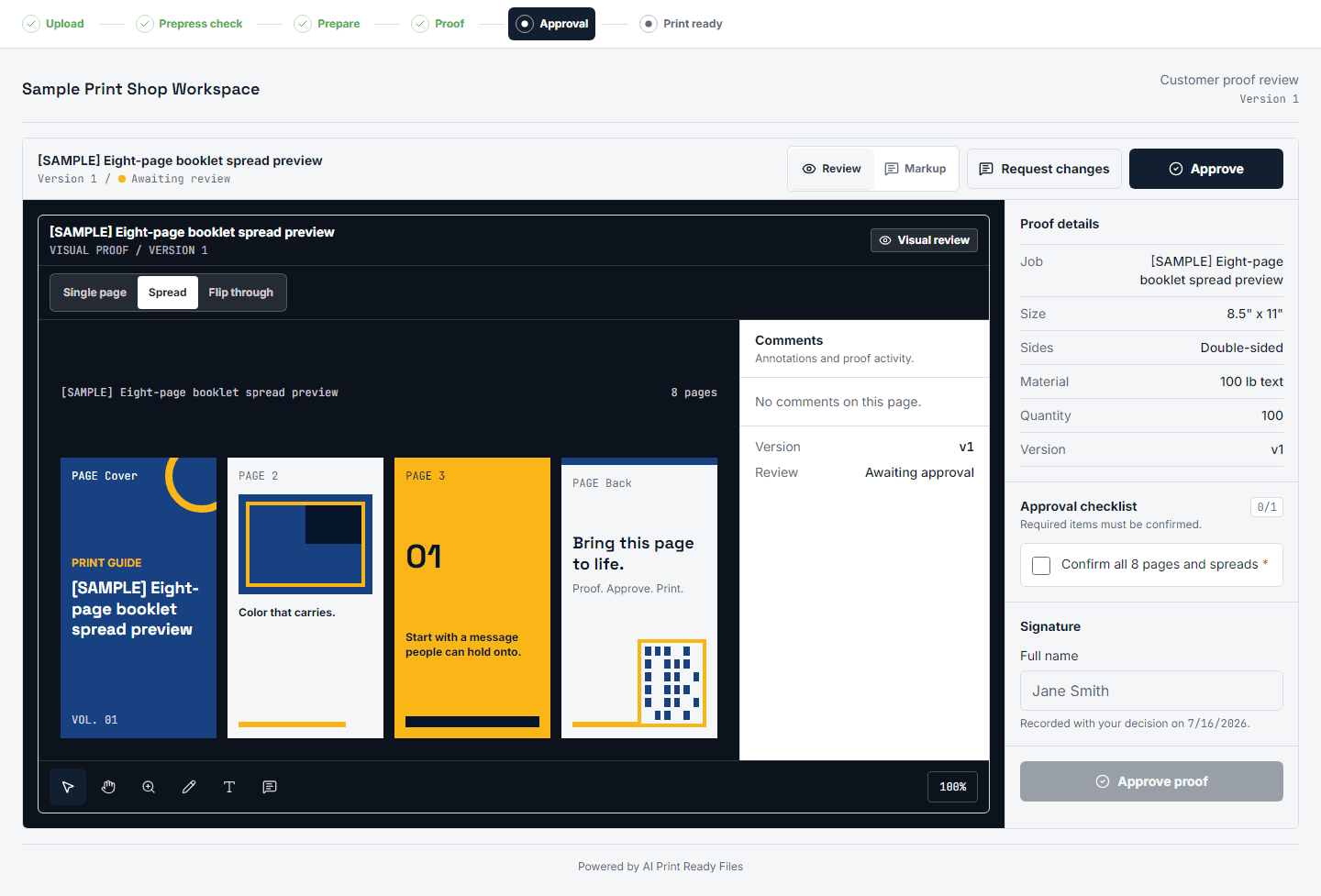
AI Print Ready Files is for users who need a file accepted by a printer. Vector conversion is one possible operation inside that workflow, alongside DPI checks, bleed, crop marks, CMYK handling, export choices, and a verification report.
The key product promise is judgment: we should tell users when vector conversion is a good idea and when a raster print file will be more honest.
Different jobs
Vectorizer.AI is useful when the desired output is a scalable vector asset. That is valuable for logos, flat illustrations, and cut-friendly artwork, but it does not answer whether a file has the right print size, bleed, crop marks, color handling, or shop handoff details.
AI Print Ready Files starts from the print job. It asks what the user is making, checks the file at that final size, then recommends the smallest set of operations that gets the artwork closer to production.
Why suitability matters
Blind vectorization can make a file look worse when the source is a photo, gradient, 3D render, or textured AI image. The suitability analyzer is a trust feature: it prevents the product from charging for a conversion that is unlikely to produce a useful print result.
That also supports SEO and UX copy. A good Vectorizer.AI alternative page should not claim we always vectorize better. It should say we help decide whether vectorization belongs in the print-prep path at all.
Print output after vector decisions
After the vector decision, print prep still needs the physical job details: trim size, bleed, safe area, crop marks, color assumptions, and export format. Those are the details that keep a printer from sending the file back with another technical request.
This is the difference between creating a vector asset and delivering a shop-friendly file. Both can be useful, but only the second is the full v1 product promise.
A user comparing the two tools may not know which job they actually have. If they hold a flat logo that needs to scale cleanly for a cut sticker, vector output can be the correct next step. If they hold a Midjourney poster, product mockup, or photo-style illustration, the better path may be high-resolution raster prep with the right bleed and export settings.
The page should help the user make that fork calmly. It can praise dedicated vector quality while still explaining that print acceptance depends on the complete handoff: the file must match the product size, the printer's expectations, and the production tolerance at the edge of the artwork.
How to prepare the file
- 1Upload artwork and check whether the file is a good vector candidate.
- 2If suitable, create a vector output for logos, cut paths, or flat-color artwork.
- 3If unsuitable, keep the image raster and prepare it with DPI, bleed, and export checks.
- 4Download the prepared file with a verification report instead of guessing from a preview.
Comparison details
Current as of July 2026. Source: doc 08 competitive audit; verify live Vectorizer.AI features before promotion. This is a workflow comparison, not a claim that Vectorizer.AI is weak at vectorization.
| Feature | AI Print Ready Files | Competitor |
|---|---|---|
| Core job | Prepare an accepted print file from upload to export. | Create vector output from raster artwork. |
| Print pipeline | CMYK guidance, bleed, crop marks, final-size DPI, and export checks. | No CMYK, bleed, crop marks, or full print pipeline in the audit. |
| Suitability guidance | refuses poor vector candidates with an explanation. | vectorizes eligible uploads without owning the downstream print decision. |
| Best fit | AI art, logos, posters, stickers, signs, and POD files that need print handoff. | Users who specifically need vector assets. |
Questions
Is AI Print Ready Files a replacement for every vector tool?
No. Dedicated vector tools can be excellent for pure vector output. AI Print Ready Files adds print-specific checks and refuses poor vector candidates instead of pretending every image should become SVG.
What images should not be vectorized?
Photos, smooth gradients, 3D renders, textured images, and detailed AI scenes often make poor vectors. They usually print better as high-resolution raster files.
Can a vector still need print prep?
Yes. A vector asset can still need final size, bleed, crop marks, color handling, and a printer-specific export format.